Create URL Attachments
| Module | Cloudlink - URL Attachment |
| Technical Name | cloud_link_attach |
The Cloudlink - URL Attachment extension allows you to attach files to Odoo records directly from a Cloudlink Drive, without uploading/duplicating the file content. Odoo stores a reference (URL) to the file.
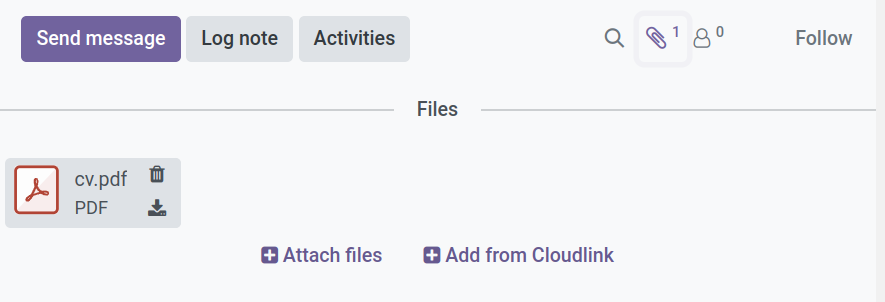
How to attach a file
- Open any record in Odoo (e.g., a Sales Order or Project Task).
- Click the Attachments / paperclip icon.
- Select Add from Cloudlink.
- Browse your mounted drives and select the file.
- Click Add.
The file now appears as an attachment on the record. Clicking it will open or download the file from the cloud drive.
Important Considerations
Since the attachment is a link, it depends on the availability of the file on the drive.
- Availability: The drive must be mounted for the attachment to be accessible.
- Broken Links: The attachment link will break if the file is deleted or moved on the drive.
- Renaming Drives: Renaming a drive in Cloudlink generally does not break existing attachments.